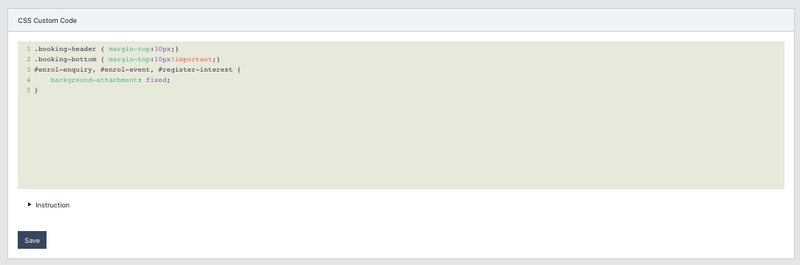
EnrolHQ gives you the ability to add your own CSS and javascript snippets.
Adding Custom Snippets to the Custom Scripts
If you want to add styles only for specific page then use one of the following selectors in your rules:
Enrolment: #enrol-enrolment
Expression of interest: #enrol-eoi
Event(s): #enrol-event
Enquiry: #enrol-enquiry
Register interest: #register-interest
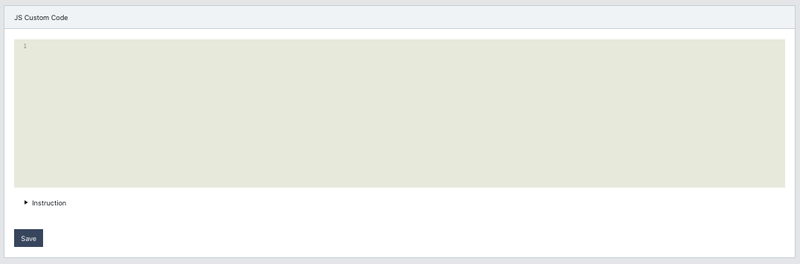
Specific functions are called on specific page only, enrolHQInitAlways is called on all pages.
Enrolment: function enrolHQInitEnrolment()
Expression of interest: function enrolHQInitEOI()
All event pages: function enrolHQInitEvent()
Event list: function enrolHQInitEventList()
Event details: function enrolHQInitEventDetails()
Booking configrmation page: function enrolHQOnBookingConfirmation()
Enquiry: function enrolHQInitEnquiry()
Register your interest page: function enrolHQInitRegisterInterest()
Setting up custom CSS and javascript should be a task handled by experienced developers only. For help, please lodge a support ticket support.enrolhq.com.au
Hide the Year of Entry with No Calendar Year for Applications and Expression of Interest
Some schools will limit access to their year of Entry based on Calendar Years. They may choose to only have a number of Calendar years available for their Application form and their Expression of Interest form.
How to Set Grade and Year of Entry Settings
If you remove years available for the form:
see example below where 3 Entry Grades have no Years available
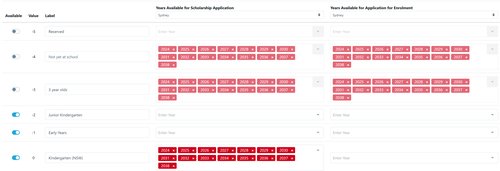
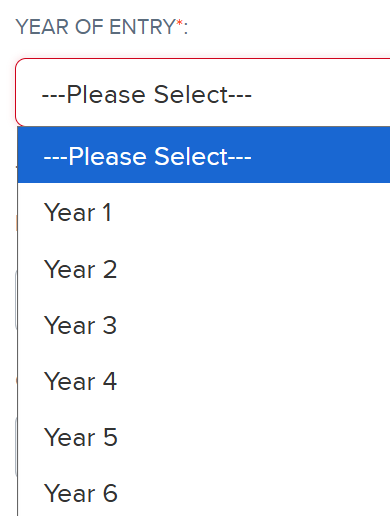
In this situation the unavailable years are displayed but not able to be selected (greyed out).
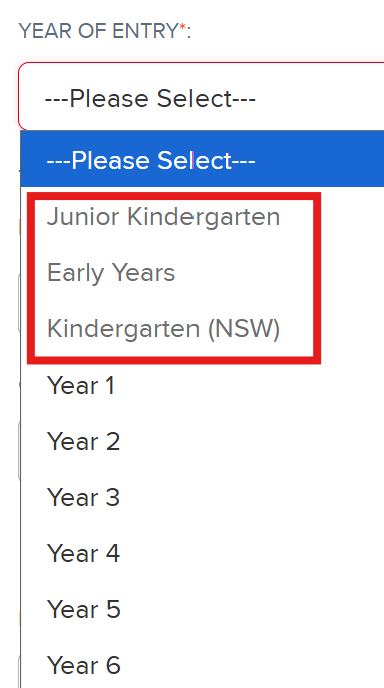
Schools can add a custom script to have those years of entry hidden instead.
Go to Settings > Custom Scripts and select the 3 lines below, copy, paste and save.
<style>
select[id*="id_entry_grade"] option[disabled] { display: none; }
</style>